How to Connect Your Stripe Account to NoNoiseMetrics
Published on February 19, 2026 · Jules, Founder of NoNoiseMetrics · 4min read
Updated on March 17, 2026
Takes 5 minutes. You’re in control the whole time.
NoNoiseMetrics uses a restricted read-only API key — the safest type Stripe offers. We can read your subscriptions and invoices. We can’t touch your payouts, issue refunds, or change anything.
Once connected, you’ll have the 8 metrics that actually matter — clean MRR, churn, NRR, ARPU — calculated automatically from your Stripe data. For context on what Stripe’s own dashboard misses, see Stripe Analytics: Beyond the Stripe Dashboard.
Your data is fetched securely through the Stripe API. We never store your raw customer data beyond what’s needed to compute your metrics.
Step 1 — Go to Stripe API Keys
Open dashboard.stripe.com/apikeys in your browser.
Tip: Start with Test mode if you want to try NoNoiseMetrics before connecting your live data. Toggle between modes in the top-left corner of your Stripe dashboard.
Step 2 — Create a Restricted Key
Click “Create restricted key”, then choose “Providing this key to another website”.
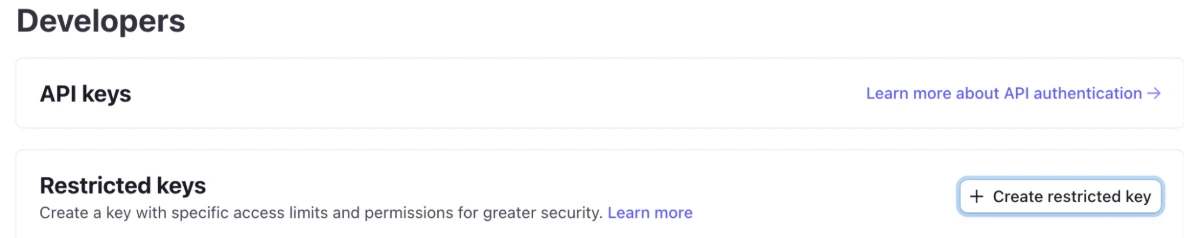
Step 3 — Name It and Set the URL
Fill in the form:
- Name:
NoNoiseMetrics - URL:
https://app.nonoisemetrics.com - Check “Customize permissions for this key” ← don’t skip this step
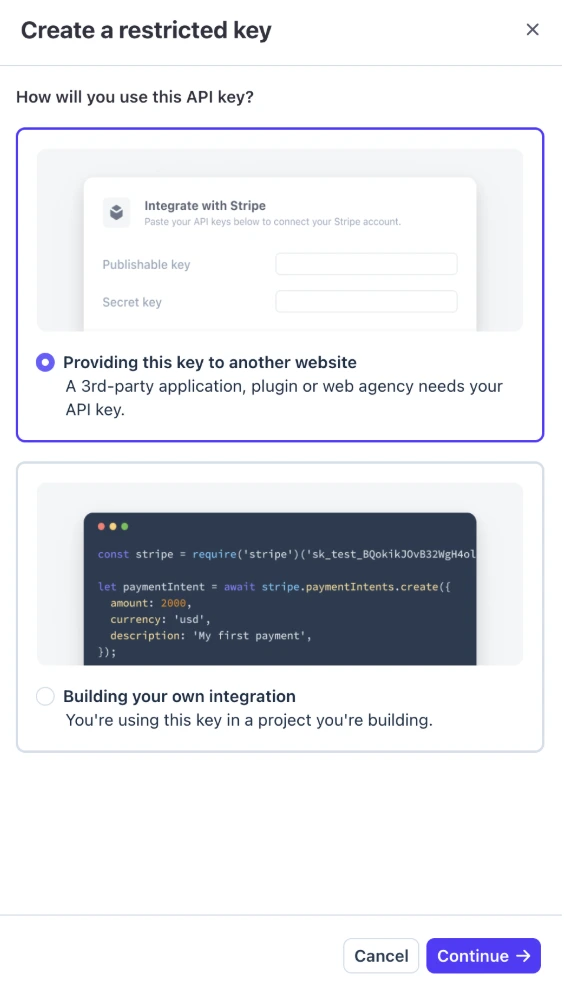
Step 4 — Set These 4 Permissions to Read
Scroll down to the permissions list. Set exactly these 4 resources to Read and leave everything else as None:
| Resource | Permission |
|---|---|
| Customers | ✅ Read |
| Subscriptions | ✅ Read |
| Prices | ✅ Read |
| Invoices | ✅ Read |
Click “Create key” when done.
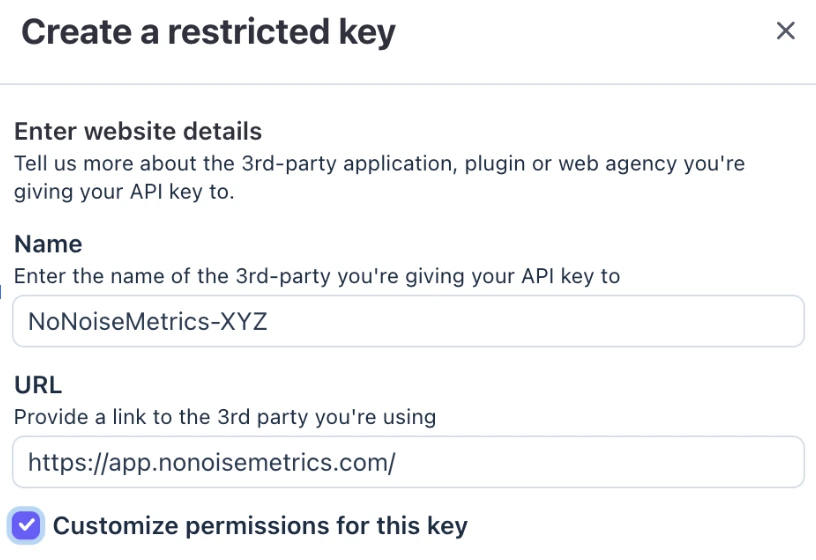
Step 5 — Verify Your Identity
Stripe will send you a confirmation email. Click the link inside. This takes about 30 seconds and is required by Stripe before revealing the key.
Step 6 — Copy Your Key
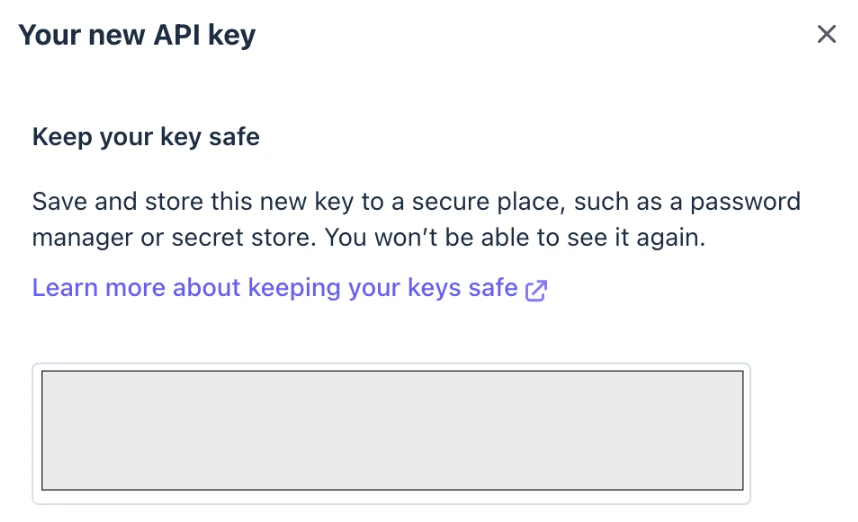
Stripe shows the key once only. Copy it immediately. It starts with rk_live_ (or rk_test_ if you’re in test mode).
Step 7 — Paste It in NoNoiseMetrics
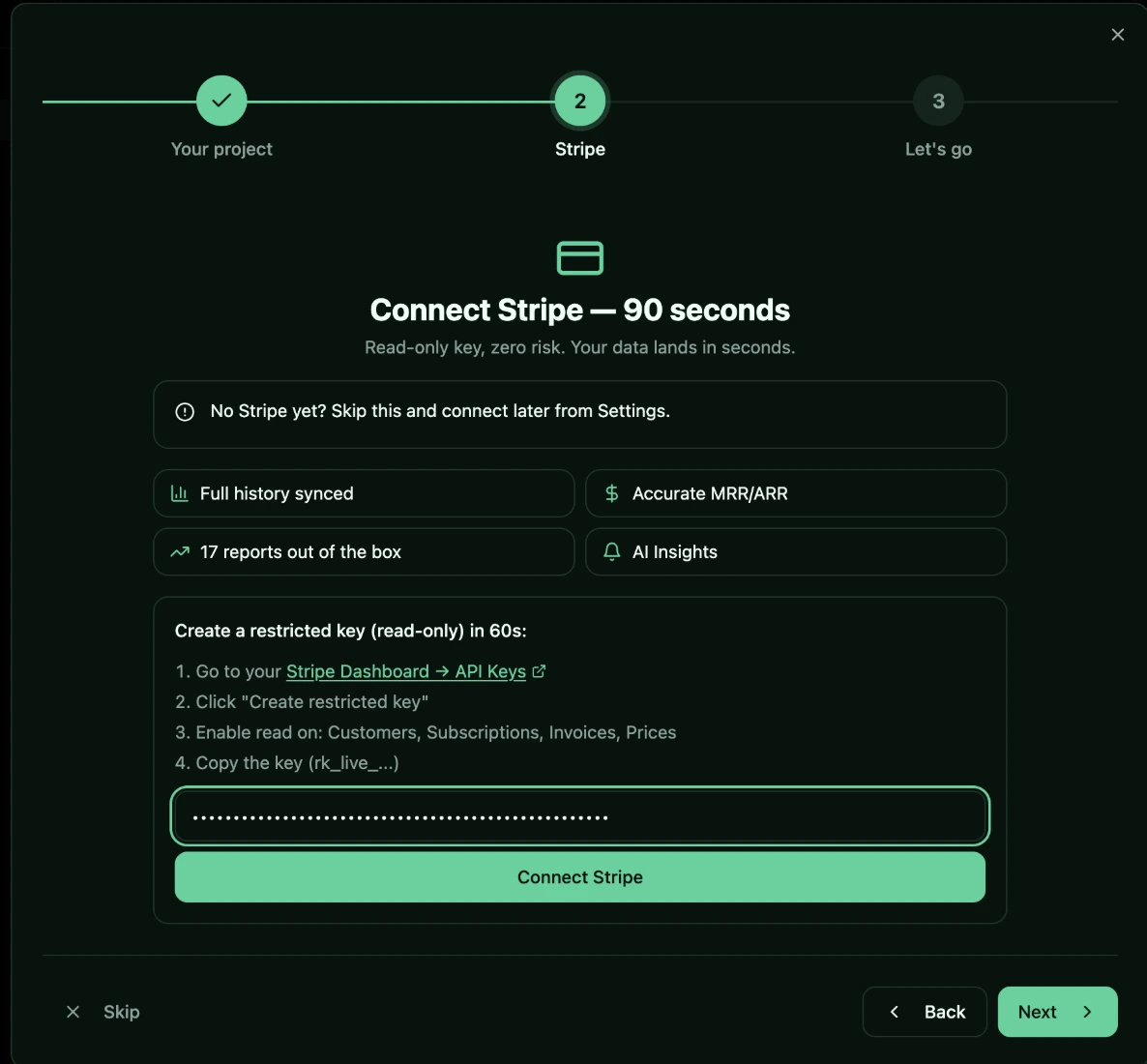
Go to app.nonoisemetrics.com, open Settings → Stripe, paste your key, and click Connect.
Your dashboard will populate immediately with live data from Stripe.
Troubleshooting
“Invalid key” → Check that you copied the full key including the rk_live_ prefix. Keys can be long — make sure nothing got cut off.
“Wrong permissions” → Go back to Stripe and verify that Customers, Subscriptions, Prices, and Invoices are all set to Read. All other resources should be None.
“No data showing” → Make sure you’re on the correct Stripe mode. If you connected a rk_test_ key, your dashboard shows test data. Switch to live mode and create a rk_live_ key to see real metrics.
What Happens After Connecting
Once your Stripe key is saved, NoNoiseMetrics triggers an initial sync that pulls your historical subscriptions, invoices, customers, and charges. Depending on your data volume, this takes between a few seconds and a couple of minutes.
From that raw billing data, the dashboard automatically computes your core SaaS metrics: MRR (with the full waterfall breakdown — new, expansion, contraction, churned), ARR, customer churn rate, revenue churn rate, NRR, GRR, LTV, and ARPU. Every metric updates each time a new sync runs, so your numbers stay current without manual exports or spreadsheet formulas.
You can also connect multiple Stripe accounts if you run several products or entities — each one syncs independently, and the dashboard lets you view metrics per account or across all of them. For the full picture of what you can track, see the 8-metric SaaS dashboard guide. And if you want to understand what Stripe’s native reporting misses, the Stripe analytics deep dive covers the gaps.
FAQ
Is my Stripe API key stored securely?
Yes. NoNoiseMetrics only accepts restricted keys with read-only permissions — the key cannot modify your Stripe data, issue refunds, or access payouts. The key is stored encrypted on our servers and is never exposed to the browser or any client-side code.
Can I connect multiple Stripe accounts?
Yes. The number of Stripe accounts you can connect depends on your plan: Free allows 1 account, Indie allows up to 3, and Pro supports unlimited connections. Each account syncs independently and you can view metrics per account or aggregated across all of them.
What data does the sync pull from Stripe?
The sync reads subscriptions, invoices, customers, and charges — the four data types needed to compute all SaaS metrics (MRR, ARR, churn, NRR, LTV, ARPU, and more). No other Stripe resources are accessed, and the restricted key permissions ensure that only read access is granted.
Need help? Email us at contact@nonoisemetrics.com — we respond fast.